At a Glance
The Text Blast page allows you to create text templates and send one-off mass texts with dynamic information tags, so that individual patients in the text blast see information pertaining specifically to them.Example Walkthrough
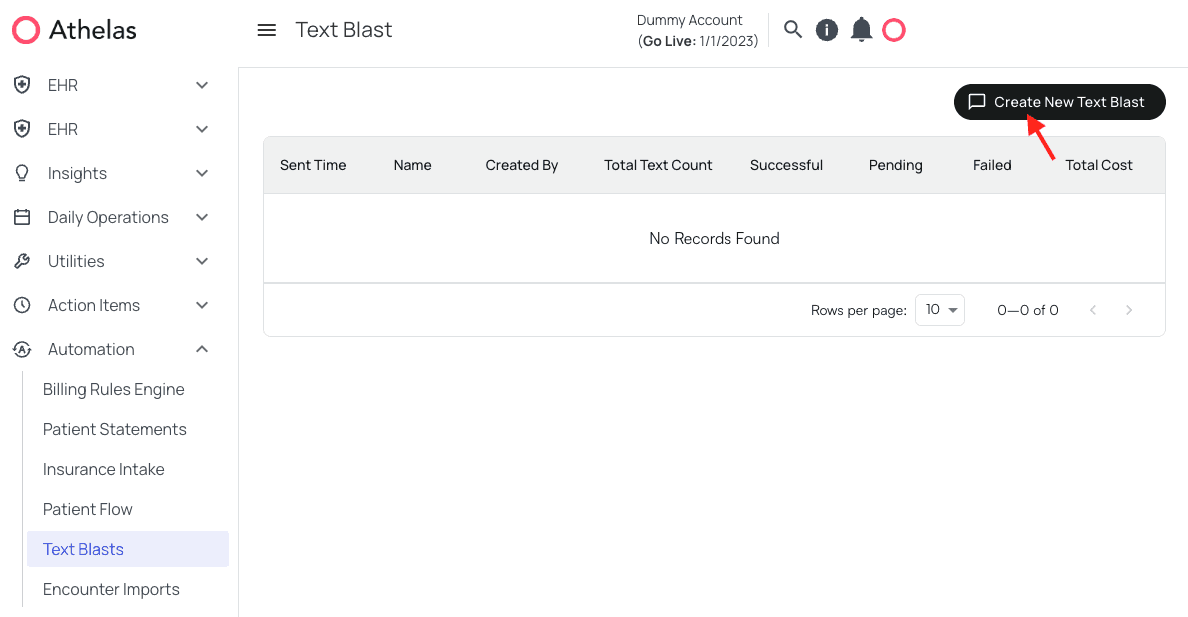
Upon viewing the Text Blast page, you will see a field that will be filled in with information about previous text blasts, if any exist. Otherwise, it will be blank. We’ll clickCreate New Text Blast.
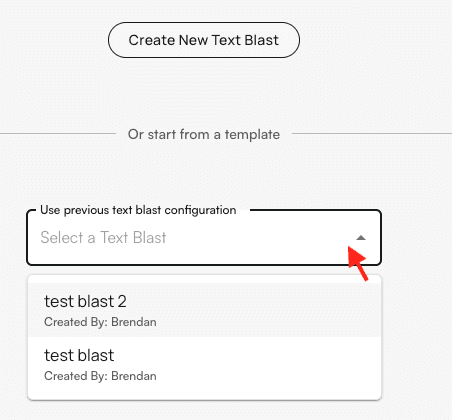
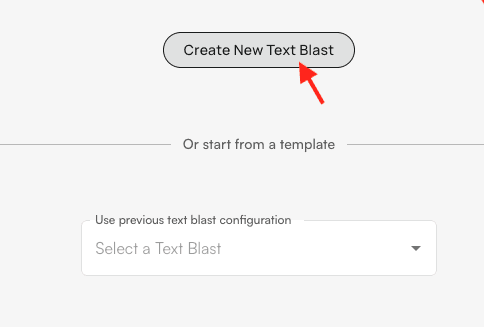
Create New Text Blast
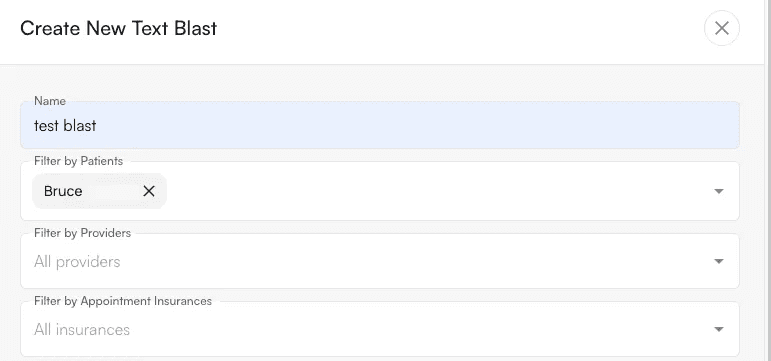
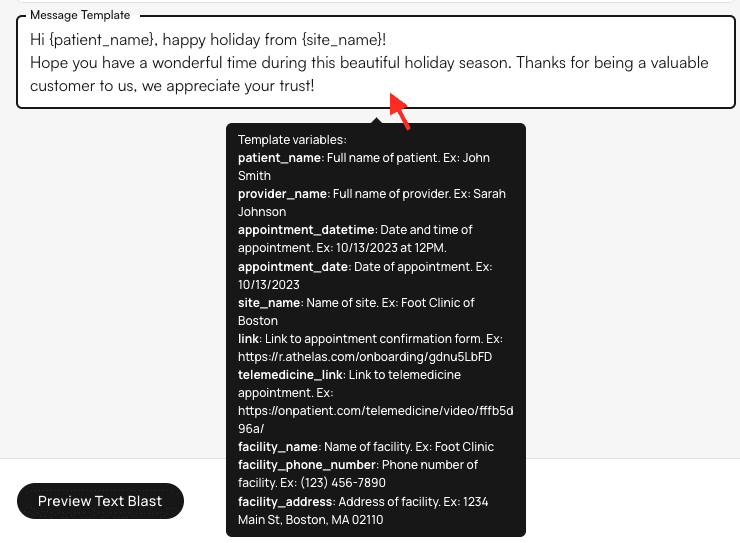
{brackets}, and any spaces must be replaced by _underscores. For example, for the text to dynamically fill in the patient’s name, you would type ‘Hi !’
We can now click Preview Text Blastto make sure everything looks good before sending. The preview will also display the number of recipients and projected cost of the text blast ($0.01 per recipient).
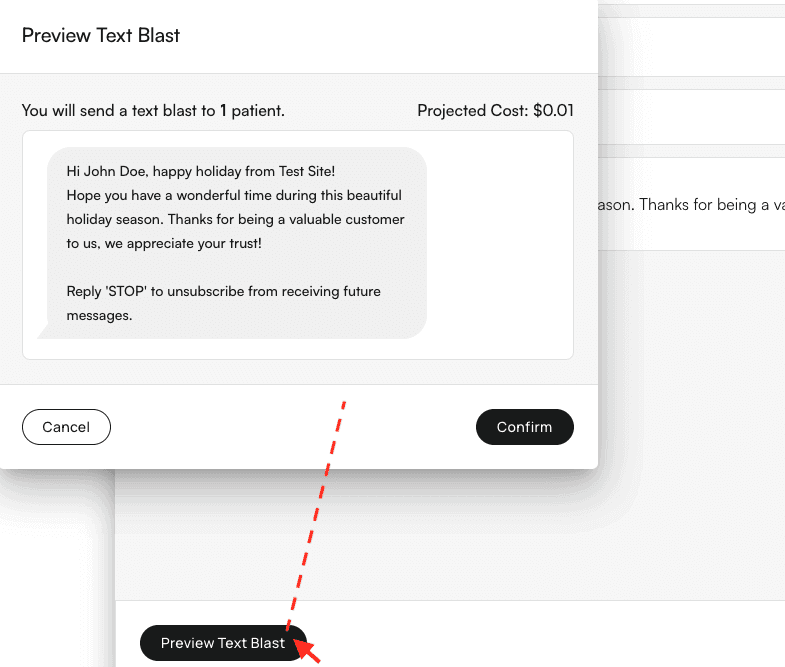
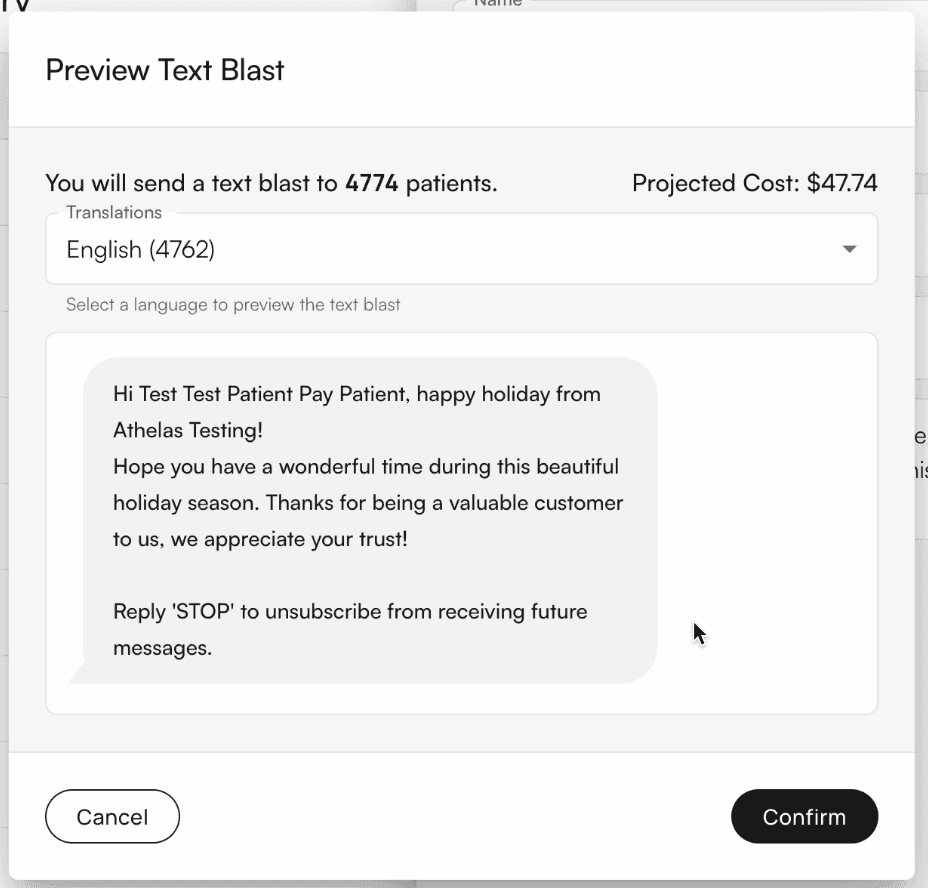
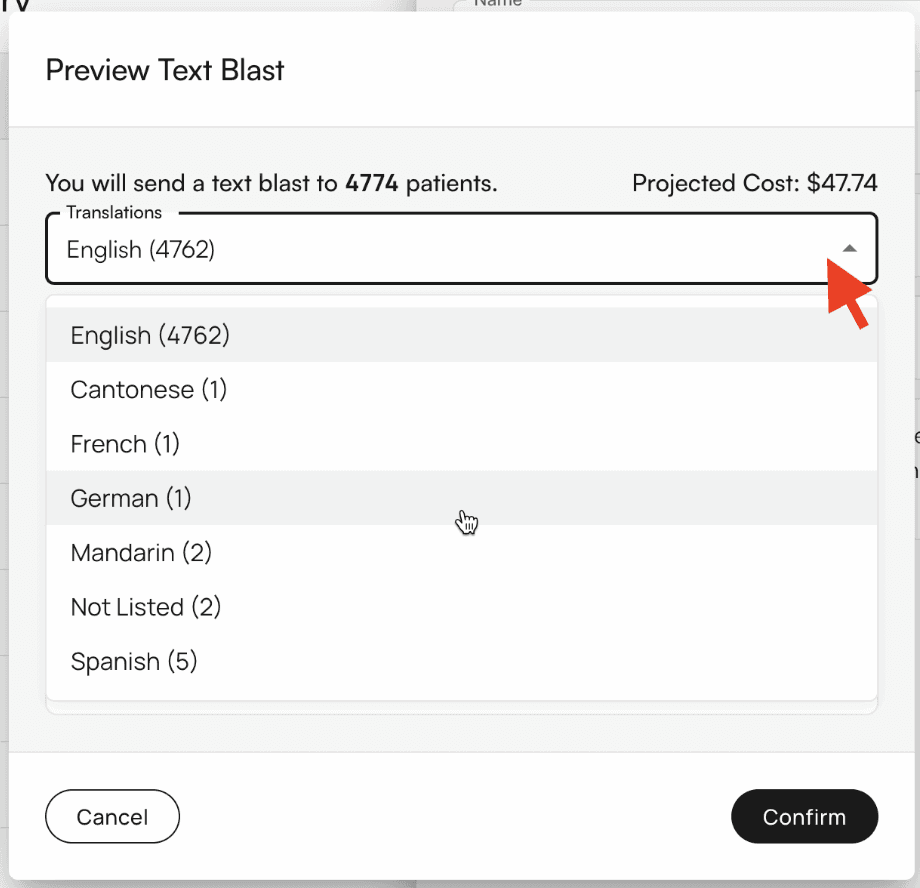
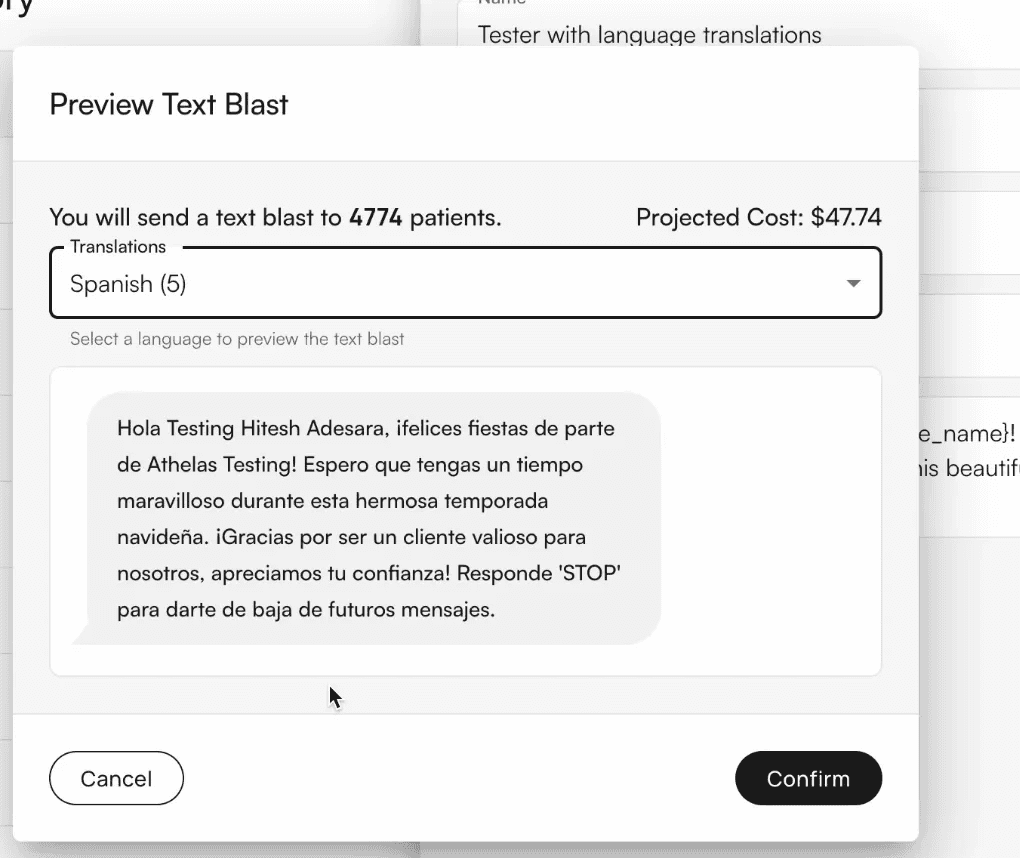
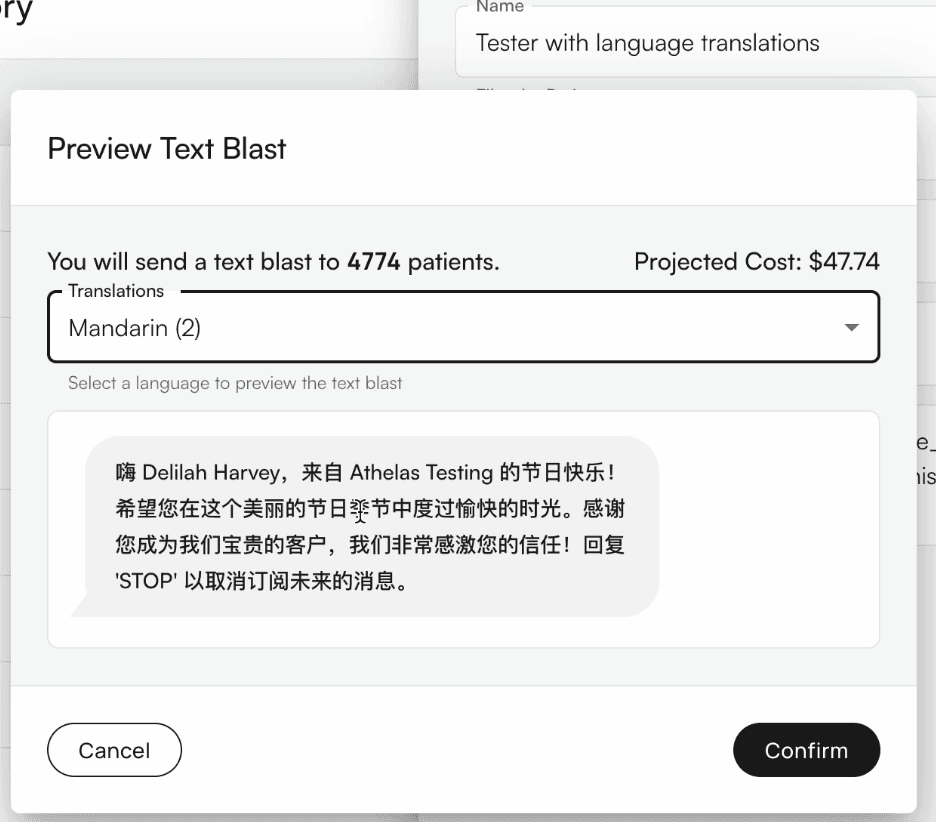
Confirm.
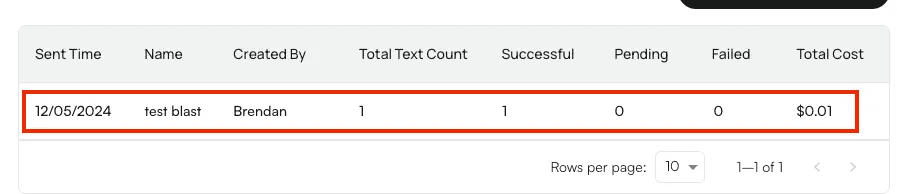
Depending on the number of recipients, the text blast may take more or less time to confirm that it has sent. It will also take a couple of minutes to appear in the log on the main page, as shown below.
Reviewing Text Blasts
You can track delivered (successful), sent (in progress), and failed texts by clicking into each logged text blast.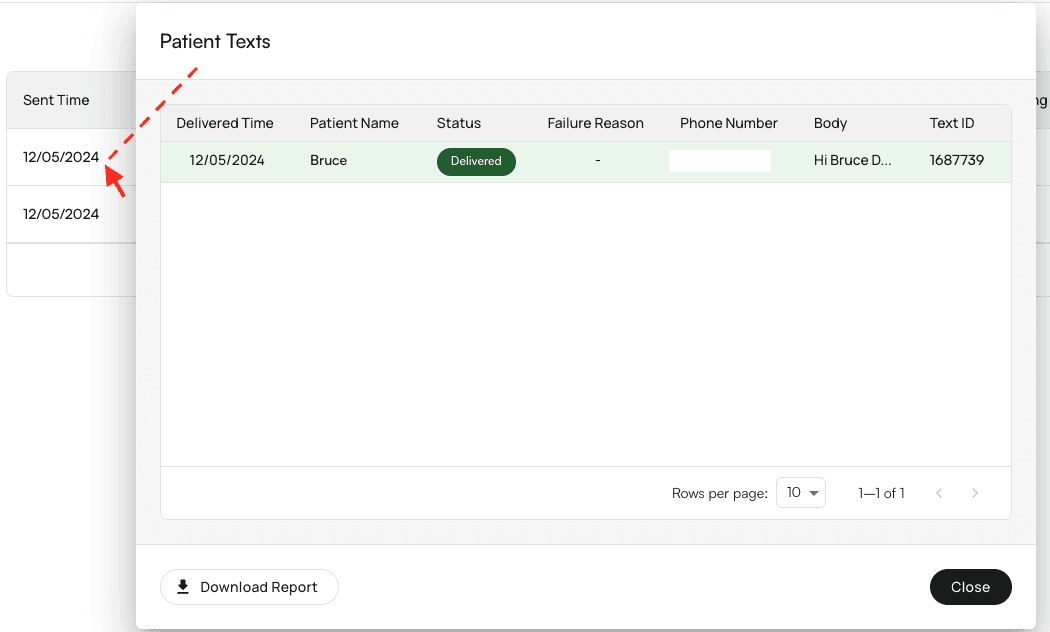
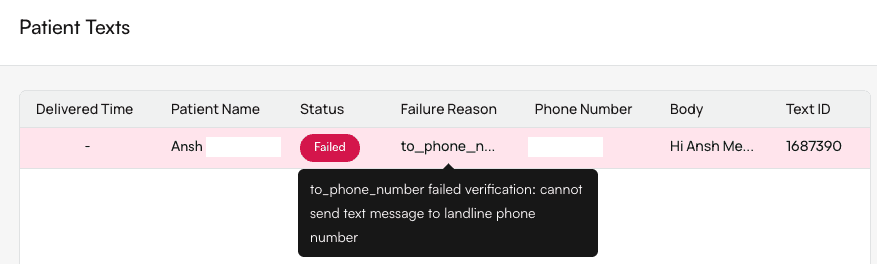
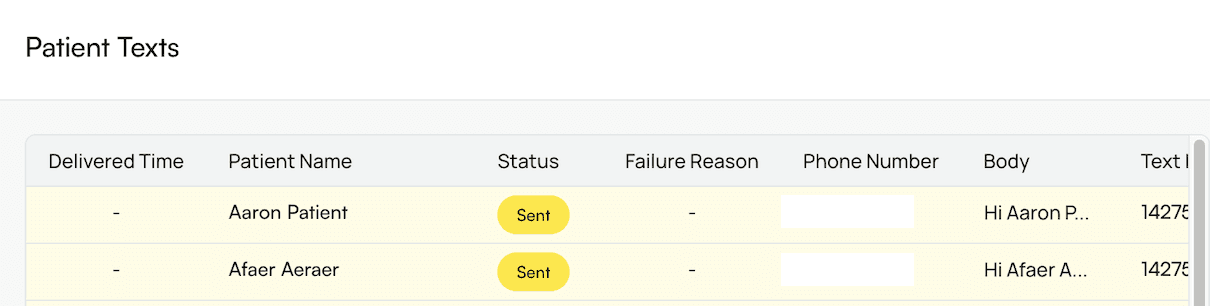
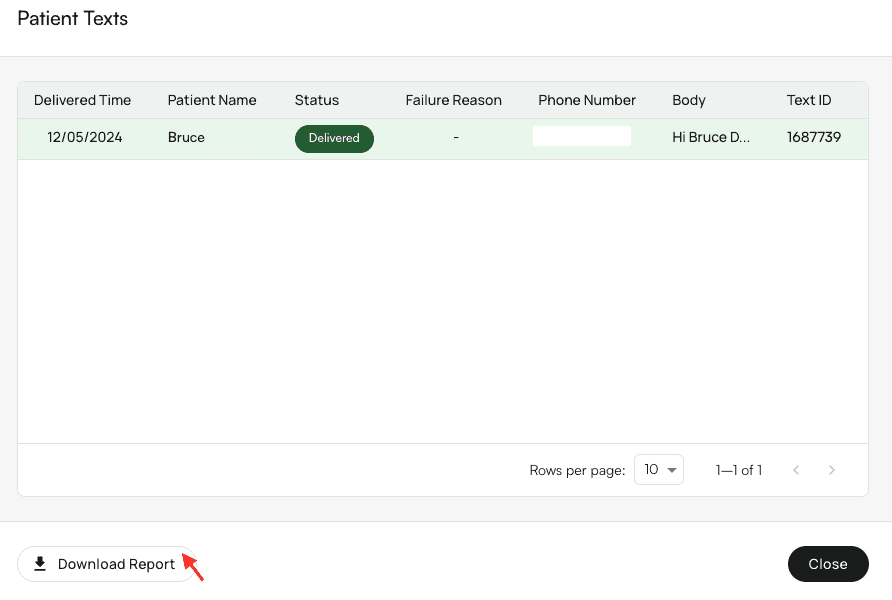

What the Patient Sees
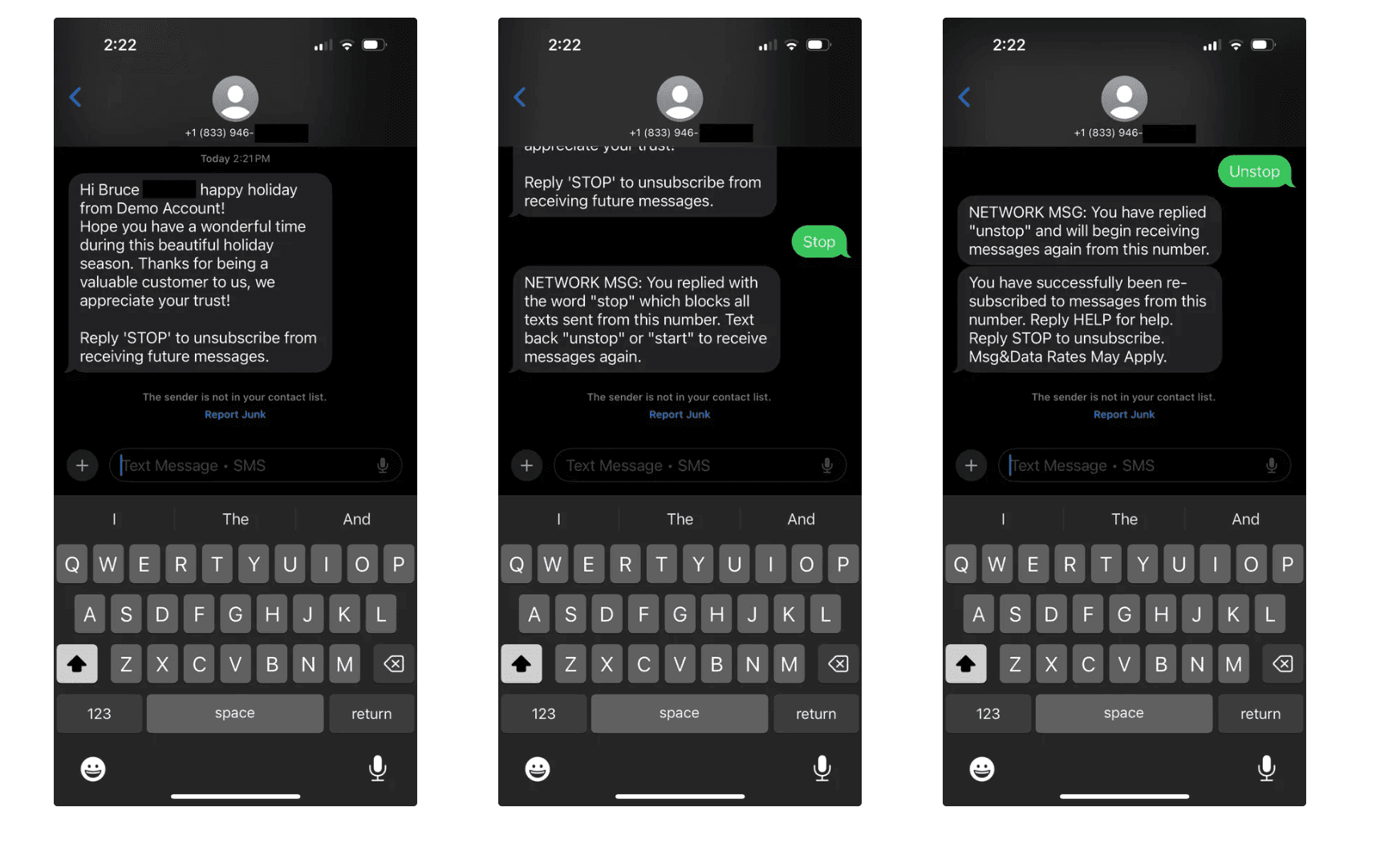
In this example, the patient receiving your text blast sees their name and the facility they visit dynamically filled. They also have the option to text ‘Stop’ to opt out of future texts, and ‘Unstop’ to opt back in. Can patients reply to text blasts? No. None of our current texting features take responses directly.